#20150 (Bug) 3.8.7 – two instances of profile loader on Win 10 startup
+1 0
Closed as Fixed
Component: DisplayCAL | Milestone: 3.8.7.1
Created by Mark Appleton
Last modified
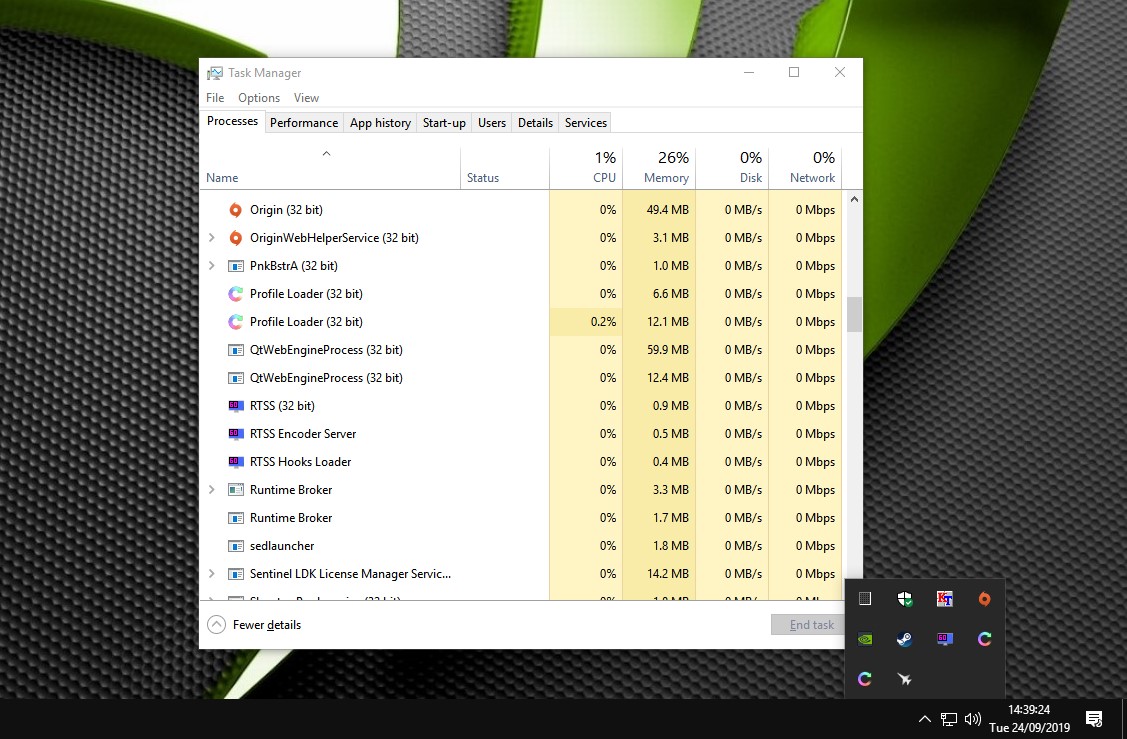
A couple of times I’ve started Windows and seen two instances of Profile Loader in the system tray. Closing one leaves the other running normally.
Untitled (image/jpeg | 2019-09-25 13:18:45)
Untitled (image/jpeg | 2019-09-25 13:19:09)
ts (image/jpeg | 2019-09-25 14:56:34)
logs (application/zip | 2019-09-25 15:11:06)
autoruns (image/jpeg | 2019-09-26 13:08:35)
DisplayCAL Profile Loader Launcher (application/zip | 2019-09-26 13:31:23)
Are you using a 3rd party Firewall or Antivirus product? It is not possible to run two instances at a time.
Sorry – test post. Working again.
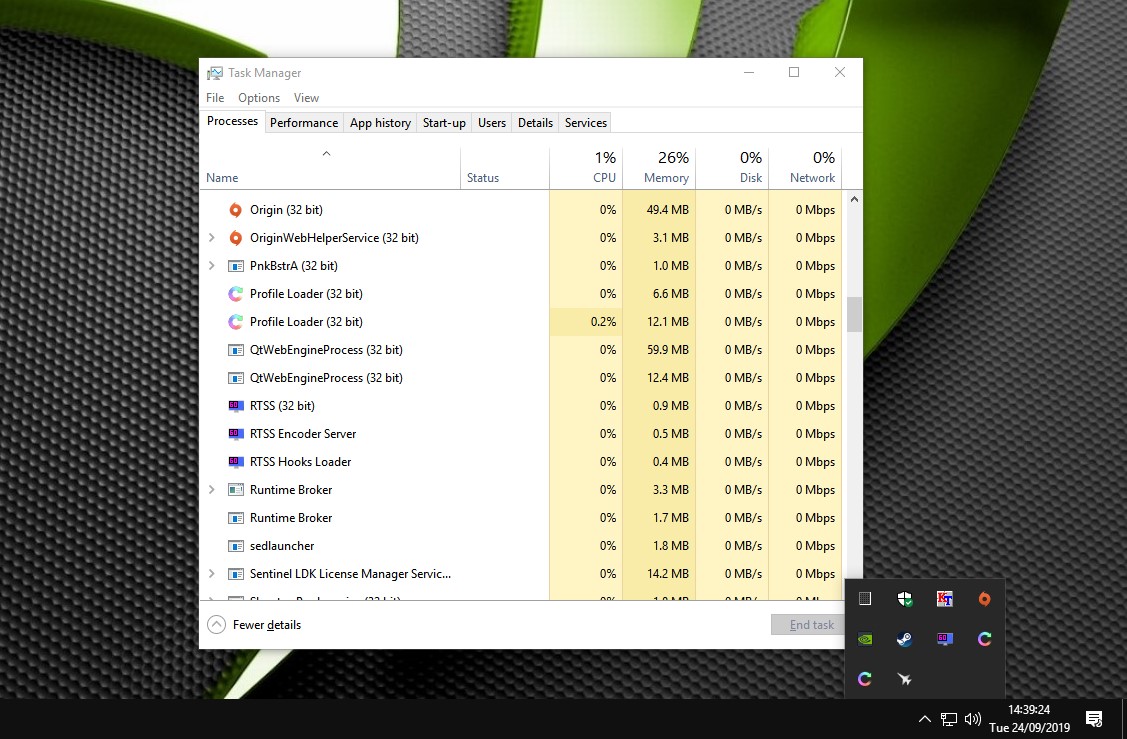
I have a screenshot of two instances running – both system tray and task manager – but the “upload file” button is missing and I don’t know how to add images into a post with the image tool. [ non-working image link redacted ]
double instance
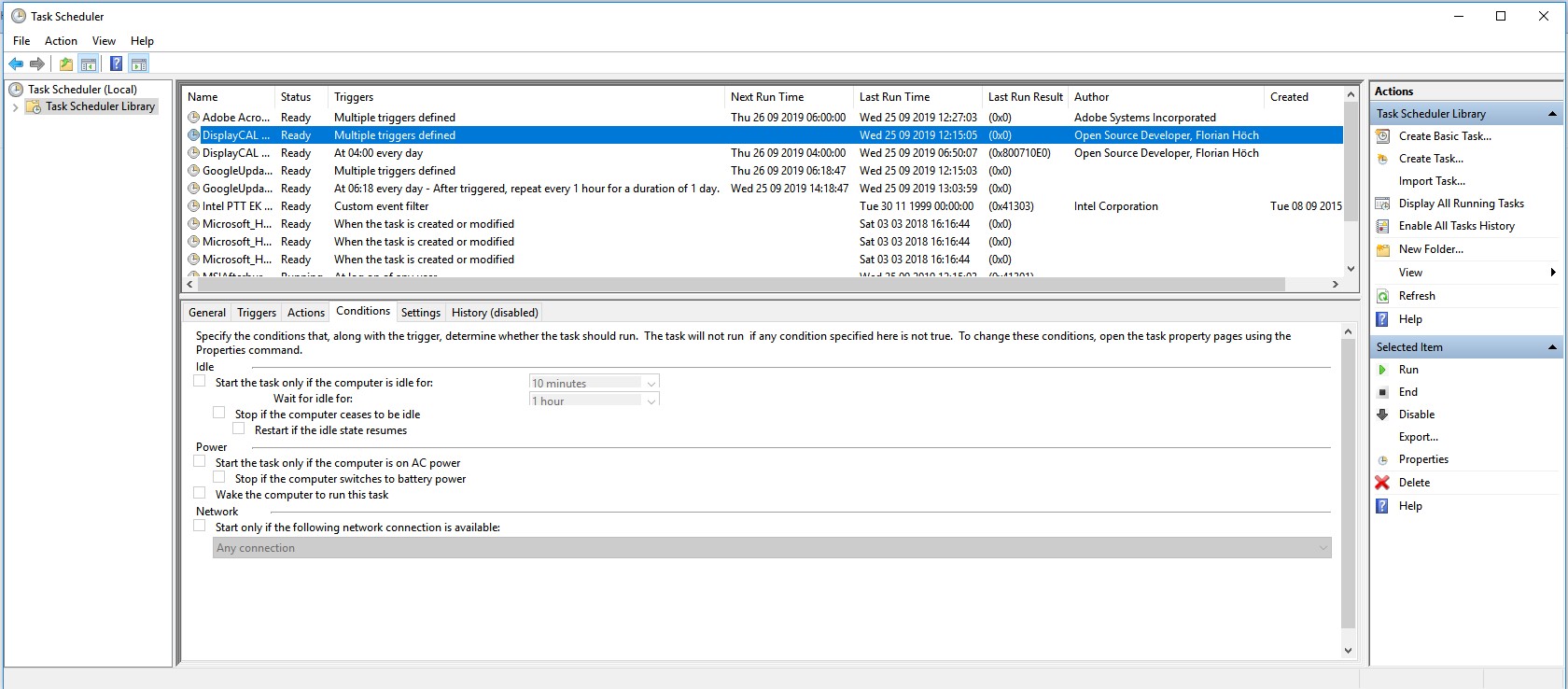
Your images aren’t showing up – it seems they are linked to your local harddisk. You can click the ticket edit link above if you need to add more files. I would need to see the two DisplayCAL profile Loader entries in Windows task scheduler – specifically, the “last run” and “result” columns.
Tried to edit the ticket and I’m being told “you are not allowed to edit this ticket”?
Does this picture link work? https://ibb.co/ryW1ydw
Thanks, but I’d need a Task Scheduler (scheduled tasks) screenshot, not Task Manager.
Florian,
I think this is it.
Thanks. That looks normal. Do you use any 3rd party antivirus or security suite?
Just Windows Defender in real-time and a monthly scan with Malwarebytes. Nothing else third-party.
Is there any way I can go back to 3.8.6 and see if the problem persists? I never noticed it in that version.
I cannot find a link to older versions of the program.
Ok. I think I’ve fixed the problem why you couldn’t edit the ticket and attach more files. Please zip and attach %APPDATA%\DisplayCAL\logs\DisplayCAL-apply-profiles.log (and DisplayCAL-apply-profiles-1.log as well as any others with date extension) or upload it somewhere in case editing the ticket still doesn’t work.
Ticket has been updated – I’ve included everything “apply profile” logging related.
Checked my last few Windows start-ups and it’s now happening every single time :).
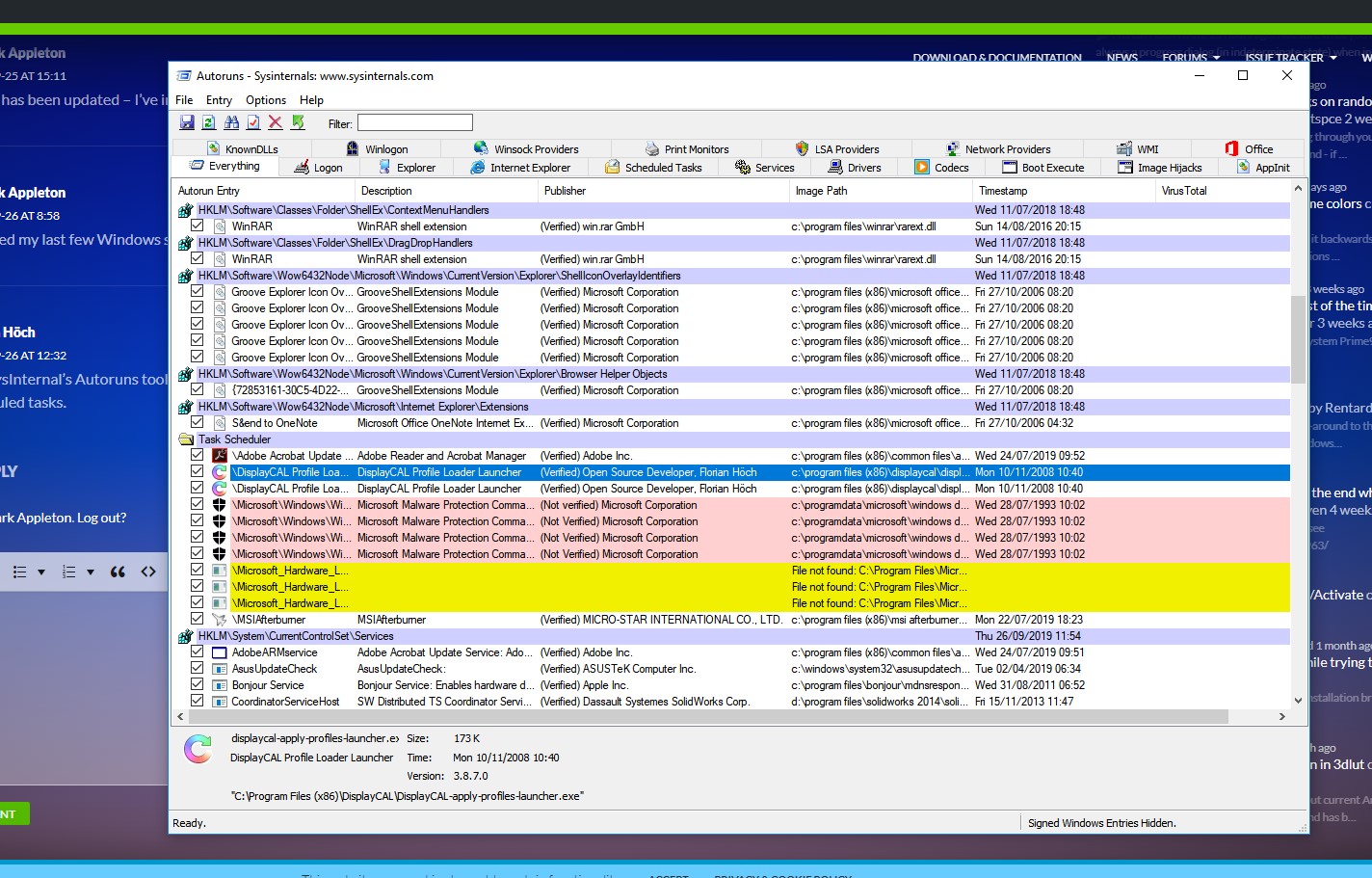
Use SysInternal’s Autoruns tool and check your startup items. You may have an existing/leftover entry for the profile loader somewhere. There should only be the two scheduled tasks.
Ticket updated with a screenshot of the Autoruns tool.
If you search for “DisplayCAL” (in the filter box), are there any other entries than the two task scheduler ones?
No, those are the only two entries.
I just uninstalled and reverted to 3.8.6 and the effect has gone – I will keep an eye on it for the next few reboots.
Hmm. Ok. Please try the following:
Also, please enable all tasks history in the Task Scheduler right hand pane.
I have the same problem since updating to 3.8.7.
Task Manager: https://ibb.co/19KWgQ4
Tray: https://ibb.co/84nYnxN
Try the instructions in my two comments above yours, please.
Okay, I did as requested. It just happened again:
https://ibb.co/2SBLd0C
I need a screenshot of the task history for the profile loader task, i.e. click on “Aufgabenplanungsbibliothek” in the left pane, select the task, then click on the history tab (and please expand the columns so that date/time and category columns are completely visible).
You mean this?
https://ibb.co/2g0mmDw
Thanks. So it looks like the PC was reactivated from standby, and then you logged in (although the order of events is reversed in the task history, this may be due to task delays). Is this correct? Do you typically log out before putting the PC into standby?
Please also send me the system events from Windows event viewer. To do this, open Event Viewer, expand “Windows Protocols”, click on “System”, then click on “save all events as” in the right-hand pane. Save as *.evtx and include display information for one language (german or english). This may take a while, Event Viewer will give you a notification when it’s done. Zip the file and send it to me (file contains relatively detailed info about system events that give insight about computer usage, if you feel uncomfortable sharing that publicly, please send it privately to Email, I’ll get rid of the file as soon as I’ve reviewed the order of events that lead to the double profile loader instances). Thanks again.
The PC is not really reactivated from standby – it’s started having the “fast startup” option active.
Test version with potential solution: https://displaycal.net/download/DisplayCAL-3.8.7.1-Setup.exe
Is the test version working as intended? I’m looking to do an official update soon.
I’ve installed 3.8.7.1 and will monitor the next few startups.
Thanks for your attentions on this :).
First few Windows startups have been fine.
Same here. Did some tests with and without “fast startup”. Problem seems to be fixed. Thank you very much.